How to Track Competitor Website Changes Automatically
Get alerted when competitors change their pricing, launch new features, or shift their messaging—without manually checking their sites.
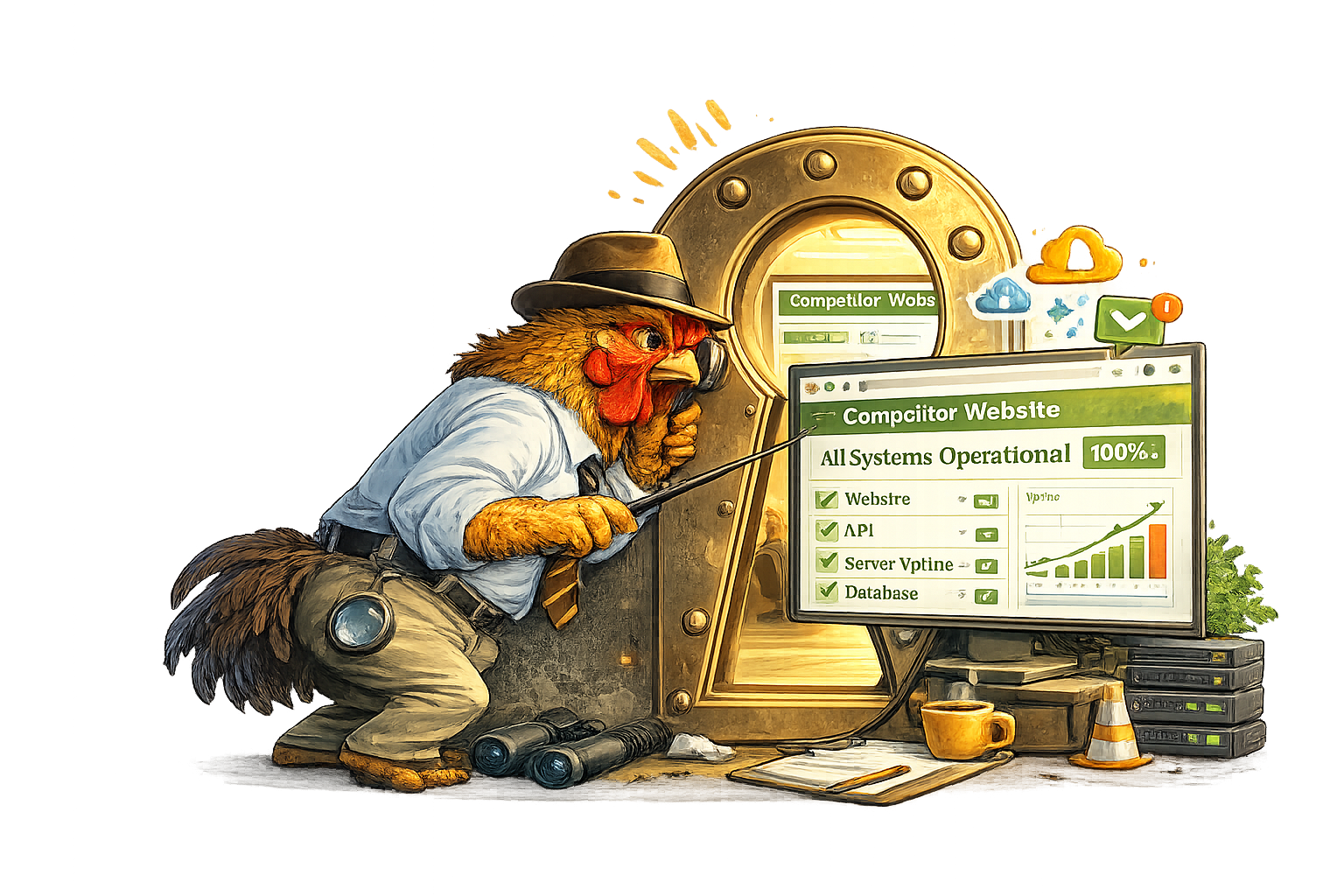
Keeping up with competitors is exhausting when you do it manually. You bookmark their pricing page, their blog, their careers page—and then you forget to check them for months.
By the time you notice they’ve launched a new feature or dropped their prices, it’s old news. You’re always reacting instead of staying informed.
Competitor monitoring tools fix this by automatically tracking competitor websites and alerting you when something changes. Set it up once, and you’ll know about pricing changes, new product announcements, and strategic shifts the same day they happen.
Here’s how to set it up.
What Can You Track?
Website monitoring tools work on any public webpage. For competitor intelligence, the most valuable pages to track are:
Pricing Pages
Know when prices change
Feature Pages
Spot new product launches
Careers Pages
Track hiring signals
Homepage
Watch messaging shifts
You can also set up keyword monitors to watch for specific terms—like when a competitor mentions your company name, launches a feature similar to yours, or targets a new market.
Setting Up Competitor Monitoring (Step-by-Step)
Here’s how to start tracking competitors with SiteRooster:
Add your competitor as a “site”
In SiteRooster, add the competitor’s domain (e.g., competitor.com) as a monitored site. The tool doesn’t care whether it’s your site or someone else’s—it monitors any public URL.
This also gives you their uptime data, which can be interesting competitive intelligence on its own.
Set up page monitors on key URLs
Navigate to the competitor site in your dashboard and add Page Monitors for their most important pages—pricing, features, homepage, etc.
Each page monitor captures the current content as a baseline and alerts you when anything changes.
Add keyword monitors for specific terms
If you want to track specific things—like when they mention a price point, your company name, or a new product category—set up Keyword Monitors.
You’ll be alerted when the keyword appears for the first time, or when it disappears from the page.
Choose your check frequency
Decide how quickly you need to know about changes. For most competitor monitoring, daily checks are sufficient. If you’re in a fast-moving market or tracking time-sensitive pages, hourly checks catch changes faster.
Configure alerts
Set up how you want to be notified: email for non-urgent updates, or SMS for high-priority competitors you want to know about immediately.
Tip: Name your monitors clearly
Use names like “Acme Corp – Pricing” or “Competitor B – Careers” so alerts are immediately understandable when they arrive in your inbox.
5 High-Value Pages to Monitor
Not sure where to start? These are the most valuable competitor pages to track:
Pricing Page
The most actionable competitive intelligence. Know immediately when competitors raise, lower, or restructure their pricing.
/pricingFeatures or Product Page
Track new feature launches, removed capabilities, and how they position their product against alternatives.
/features /productCareers / Jobs Page
Hiring patterns reveal strategic priorities. New engineering roles might signal product investment; sales roles suggest growth push.
/careers /jobsHomepage
Homepage changes often signal messaging shifts, new positioning, or major announcements they want front and center.
/Integrations or Partners Page
New integrations can indicate market expansion or strategic partnerships. Removed integrations might signal pivots.
/integrations /partners“We set up a monitor on our main competitor’s pricing page. Three weeks later, we got an alert that they’d quietly added a new ‘Enterprise’ tier at a higher price point. Our sales team started positioning against it the same week—before most of their own customers even knew about it.”
How Often Should You Check?
The right frequency depends on how fast your market moves and how quickly you need to react:
| Frequency | Best For | Available On |
|---|---|---|
| Weekly | Slow-moving markets, general awareness, low-priority competitors | Free |
| Daily | Most competitor monitoring—pricing, features, messaging | Small+ |
| Hourly | Fast-moving markets, time-sensitive intelligence, key competitors | Medium+ |
For most businesses, daily checks on 3-5 key competitor pages give you actionable intelligence without overwhelming you with alerts.
A Note on Limitations & Ethics
Keep it ethical
Competitor monitoring should focus on publicly available information. Don’t try to access password-protected areas, scrape data in ways that violate terms of service, or use monitoring for harassment. Stick to watching public pages that anyone could visit.
A few practical limitations to keep in mind:
Dynamic content: Some pages load content dynamically with JavaScript. Most monitoring tools can handle this, but heavily interactive pages might not capture perfectly.
Personalized pages: If a competitor’s page shows different content based on location or user history, your monitor will only see one version.
Rate limits: Don’t set up hundreds of monitors on a single site. It’s unnecessary and could get your requests blocked.
What You Get on Each Plan
Here’s how competitor monitoring scales across SiteRooster’s plans:
| Feature | Free | Small ($9/mo) | Medium ($29/mo) |
|---|---|---|---|
| Competitor sites | 1 | 5 | 10 |
| Page monitors | 1 | 10 | 50 |
| Keyword monitors | 1 | 10 | 50 |
| Check frequency | Weekly | Daily | Hourly |
| Email alerts | ✗ | ✓ | ✓ |
| SMS alerts | ✗ | ✗ | ✓ |
The free tier is a great way to test competitor monitoring on your most important competitor. Paid plans let you track multiple competitors with faster detection and notification options.
Stay Informed, Not Obsessed
The goal of competitor monitoring isn’t to obsess over every move your competitors make. It’s to stay informed without spending your time manually checking websites.
Set up monitors on the pages that matter most—pricing, features, careers—and let the tool tell you when something changes. You’ll catch important shifts early, and you can spend your time on things that actually move your business forward.
Start with one competitor and a handful of pages. You can always expand later.
Start Tracking Competitors
Set up your first competitor monitor in under 2 minutes. Free plan includes 1 site and 1 page monitor.
Try It Free