How to Monitor Multiple Websites from One Dashboard
Stop juggling separate tools for each site. Manage uptime, SSL, domains, and content monitoring for all your websites in one place.
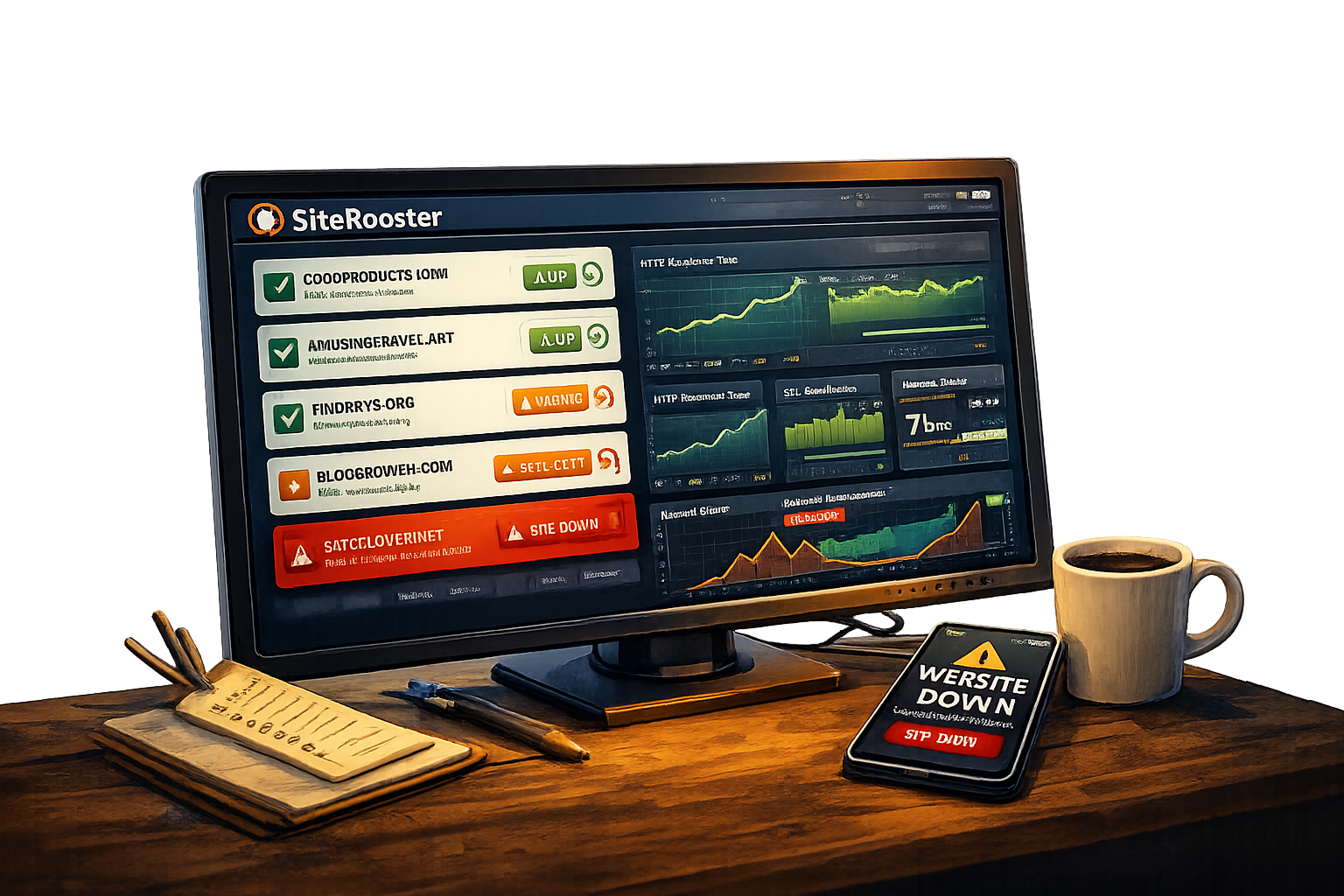
If you manage more than one website, you know the chaos. Different monitoring tools for different sites. Multiple logins. Inconsistent data. Important alerts lost in the noise.
When you’re responsible for 5, 10, or 50 sites, it’s only a matter of time before something slips through the cracks. A domain expires. An SSL certificate lapses. A site goes down and nobody notices for hours.
A unified monitoring dashboard puts everything in one place—every site, every metric, every alert—so nothing gets missed.
Who Needs Multi-Site Monitoring?
Agencies
Managing client websites across different industries
Freelancers
Maintaining sites for multiple clients
Multi-Brand Businesses
Companies with multiple products or brands
Entrepreneurs
Running multiple side projects or businesses
The Problem with Separate Tools
When you use different tools for each site—or no tools at all—problems compound:
Multiple logins: Different credentials for each tool means more friction and more security risk.
Inconsistent monitoring: Different tools have different features. Some sites get better coverage than others.
Alert fatigue: Notifications from multiple sources get lost or ignored.
Things fall through cracks: When there’s no single view, it’s easy to forget about sites that seem “fine.”
What a Unified Dashboard Gives You
Single View of Everything
See the status of all your sites at a glance. Green means good, red means action needed—no digging required.
Consistent Monitoring
Every site gets the same level of monitoring—uptime, SSL, domain expiry—with identical settings and alerts.
Consolidated Alerts
All notifications come from one source. Easier to manage, harder to miss.
Easy Handoffs
Transferring site responsibility? Just share dashboard access instead of multiple tool credentials.
What You Can Track Across All Sites
With SiteRooster, every site you add gets the same comprehensive monitoring:
Setting Up Multi-Site Monitoring
Add your first site
Start by adding one website. SiteRooster immediately begins monitoring uptime, SSL, and domain status.
Add additional sites
Repeat for each site you want to monitor. Each site gets its own card in your dashboard with individual metrics.
Configure site-specific monitors
Optionally add page monitors, keyword monitors, or content crawling for individual sites that need deeper tracking.
Set up alerts
Configure email or SMS notifications. You’ll get alerts for any site that has issues—all from one place.
Tips for Organizing Your Sites
Best Practices
Use clear names: Name sites by client or project (“Acme Corp – Main Site”) so alerts are immediately understandable.
Prioritize critical sites: Consider which sites need faster check intervals and SMS alerts vs. basic monitoring.
Review regularly: Set a monthly reminder to review your dashboard and remove sites you no longer manage.
Document handoffs: When transferring a site to someone else, use shared status pages instead of sharing your login.
Pricing by Site Count
SiteRooster plans are designed around how many sites you need to monitor:
Free
Small
Medium
Enterprise
All plans include uptime monitoring, SSL tracking, and domain expiry monitoring for every site. Paid plans add email alerts, faster check intervals, and additional features like content monitoring and SMS alerts.
One Dashboard, All Your Sites
Managing multiple websites doesn’t have to mean multiple tools, multiple logins, and multiple headaches. A unified dashboard keeps everything in one place—so you can see the status of every site at a glance and catch problems before they become emergencies.
Whether you’re managing 5 client sites or 50, you need a system that scales with you and doesn’t let anything slip through the cracks.
Add your sites and start monitoring today.
Monitor All Your Sites in One Place
Add your first site free. Upgrade when you need to monitor more.
Get Started